Video meetings for everyone
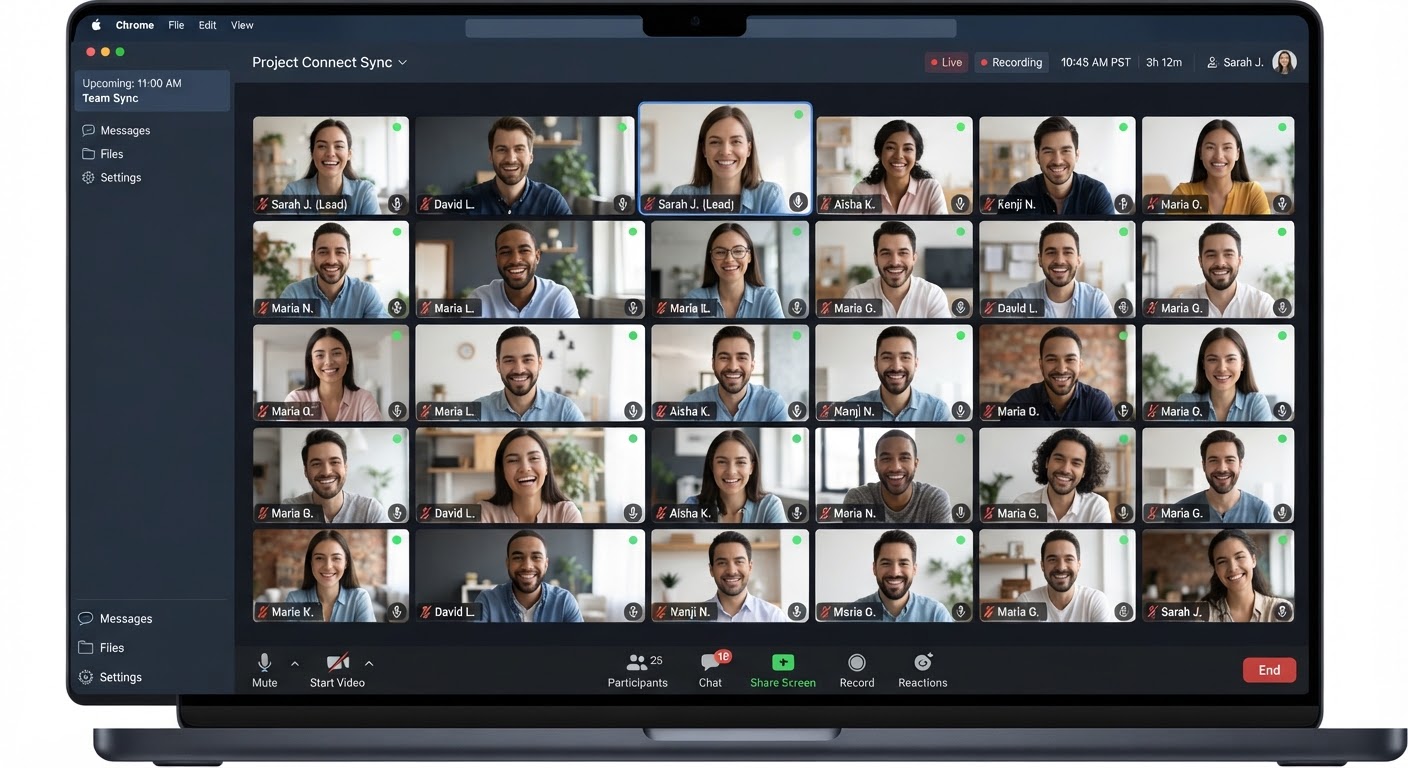
Join any meeting in one click, from any browser — no download, ever. When you’re ready to host your own, sign up free and start an instant or scheduled meeting with no forced time limit.
Already have an account? Sign in · New here? Sign up free
Peer-to-Peer
E2E Encryption standard
Ultra Share
4K screen sharing standard
No Time Limit
Zoom stops you at 40 minutes free. Meet stops you at 60. Connect doesn’t.
Premium doesn’t have to mean a paywall
You’ve probably used Zoom or Google Meet before. Here’s what’s actually different.
No forced time limits
Zoom’s free plan cuts group calls off at 40 minutes. Google Meet’s free tier ends them at 60. Connect doesn’t run a countdown clock — talk for as long as the conversation actually needs.
Nothing routes through someone else’s cloud
Google Meet and Zoom carry your call through their own data centers. Connect runs on infrastructure we operate ourselves — there’s no third-party video vendor sitting in the middle of your conversation.
Full features, free to start
You don’t need a paid seat to get past a time limit, share your screen, or record a call. What you get on day one is the real thing, not a trial that nudges you to upgrade.
Built for every kind of meeting
A sales call and a leadership review don’t need the same setup. Connect works for both, and everything in between.
Team Sync
Quick updates, blockers, and next steps — without it running long.
Sales Call
Share your screen for a demo or pricing, right in the conversation.
Interview
A calm waiting room so candidates arrive composed, not rushed.
Coaching
A private, locked room for one-to-one sessions that stay focused.
Customer Success
Guests join with just a link — zero friction on their side.
Leadership Review
Host controls and recording for a clear, governed record.
No add-ons, no separate app to buy
It’s all built in, from the first meeting you create.
Made for the network you actually have
Most video platforms are designed for a fast office connection and hope for the best everywhere else. Connect is lightweight from the ground up.
Adapts to your connection
Video quality adjusts automatically the moment your connection gets weak, instead of freezing the call.
Audio-first when it matters
On a strained connection, switch to audio-only in one tap and keep the conversation moving.
Built for real-world networks
Tested against congested mobile networks and shared Wi-Fi, not just a fast office connection.
Quality adapts to your connection, live — not after the call freezes.
Your meetings stay yours
Connect runs on infrastructure we own and operate — not a third-party video vendor’s servers. That’s a real, structural difference in how your call travels.
- End-to-end DTLS-SRTP encryption on every call, no exceptions.
- Self-hosted infrastructure — your meetings never touch a third-party video vendor.
- You control the waiting room, who can share their screen, and who gets removed.
- Recordings save to your own device, never a shared server in the background.
Questions people ask before they try it
Is Connect really free?
Yes. Sign up, host meetings, and use the full feature set — screen sharing, recording, scheduling, host controls — with no seat fee and no time limit forcing an upgrade.
Do I need to download anything?
No. Connect runs entirely in your browser. Guests you invite don’t need an account or an app — they just open the link.
How is this different from Zoom or Google Meet?
The biggest difference is what happens after 40 or 60 minutes: nothing. Connect also runs on infrastructure we operate ourselves, so your call never passes through a third-party video vendor’s cloud.
What happens if my connection is bad?
Video quality adjusts automatically to keep the call stable, and you can switch to audio-only in one tap if it’s still rough. Connect is built lightweight from the ground up for exactly this.
Ready for a meeting that feels premium?
Start free, no download required. Bring your team along whenever you’re ready.