Experience Seamless Connectivity
Connect brings enterprise-grade video conferencing to everyone. Built for high performance, deep security, and effortless collaboration — right from your browser.
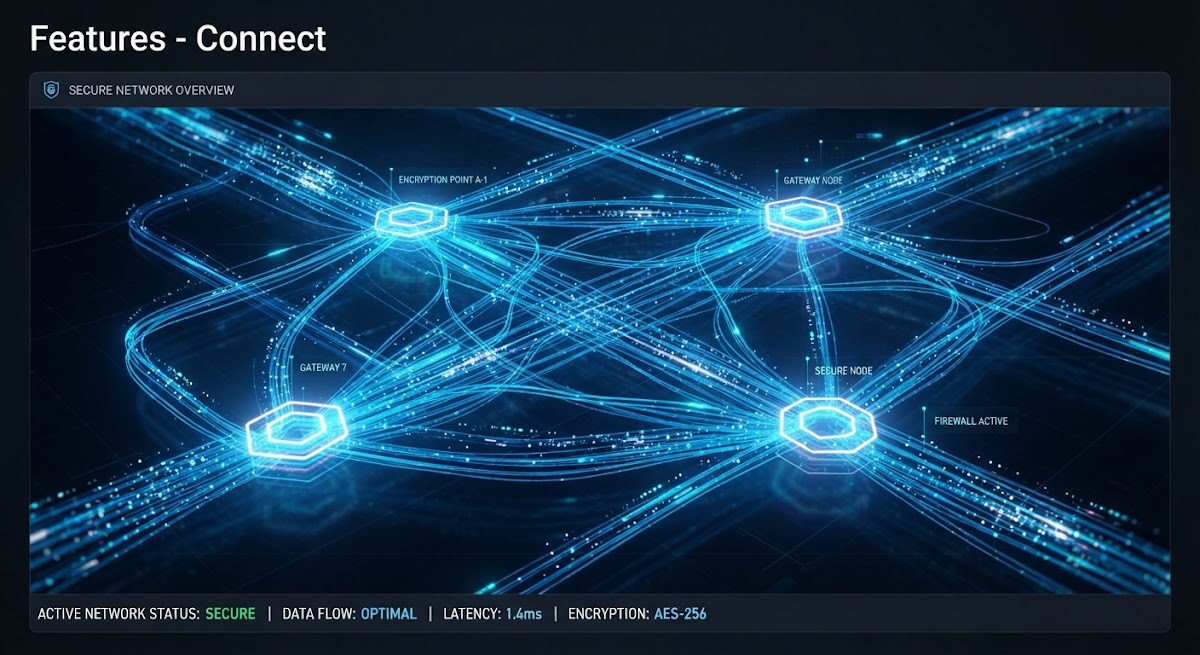
Secure by default
Your meetings are protected with end-to-end encryption (E2EE), ensuring your sensitive conversations stay private between you and your participants. No exceptions.
High-quality video
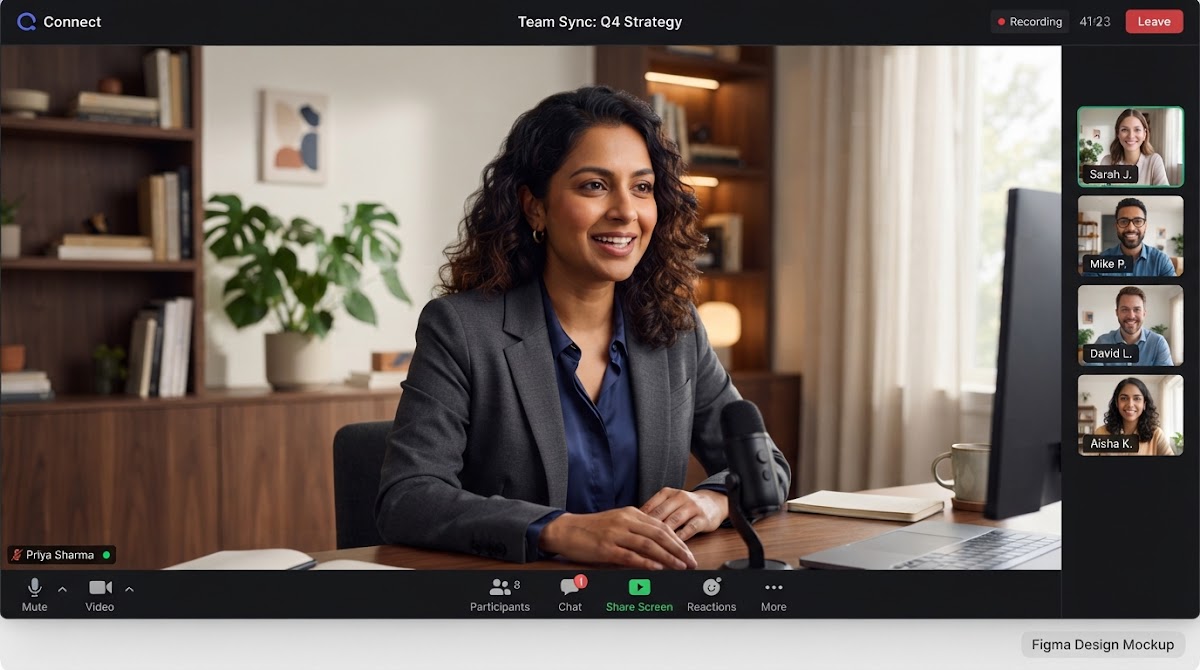
Crystal-clear video with ultra-low latency. Quality adjusts in real time to your connection, so the call stays smooth even on limited bandwidth.
- Adaptive quality that adjusts to your connection
- Intelligent noise suppression
- Live speaking indicators for every participant
No download required
Open a link in any modern browser and you're in a meeting in seconds. Want it to feel like an app? Install Connect to your home screen — same fast start, zero app-store friction.
Everything you need for a great meeting
No add-ons, no separate app to buy. It’s all built in, from the first meeting you create.
Screen sharing
Share your whole screen or a single window in a click. Everyone sees exactly what you see, in sync.
In-meeting chat
A private, session-scoped chat for links, quick questions, and side notes without interrupting the call.
Waiting room
Guests arriving early wait until you let them in or the meeting starts — you decide who’s in the room.
Host controls
Mute anyone, remove a disruptive guest, or lock the room against new joins — all from the call itself.
Recording
Record any call with one click and download it when you’re done — no separate app, no extra step.
Scheduling & calendar
Plan ahead, send calendar invites with the link already attached, and get automatic reminders before it starts.
Recurring meetings
Set the days once — your weekly standup or client check-in reuses the same link, every time, automatically.
Raise hand & reactions
Get a turn to speak without interrupting, or send a quick reaction everyone can see in the moment.
Noise & voice detection
Background noise gets filtered out automatically, and the room shows who’s actually speaking, live.
Multi-device support
Join from your laptop and phone at once, or move a call from one device to another without losing your seat.
Friendly by design
A calm, uncluttered call screen that gets out of the way — built to feel effortless from the first click.
Up to 24 on one call
Team all-hands or a quick 1:1 — the same reliable room scales from two people to two dozen.
Made for the network you actually have
Most video platforms are designed for a fast office connection and hope for the best everywhere else. Connect is built lightweight from the ground up, so it keeps working when your connection doesn't cooperate.
Nothing routes through a third-party cloud
Your video and audio travel directly between participants (or through infrastructure we run ourselves) — never through a third-party video vendor’s servers.
Built for real-world connections
Video quality adapts automatically when a connection gets weak, so the call keeps going instead of freezing.
Audio-first when it matters
On a strained connection, switch to audio-only in one tap and keep the conversation moving without the stutter.
Nothing to install to get started
Open a link and you’re in — and if you want the app-like experience, install Connect to your home screen in seconds.
Your meetings stay yours
Connect runs on infrastructure we own and operate — not a third-party video vendor's servers. That's a real, structural difference: there's no third-party cloud in the middle of your call for your data to pass through in the first place.
- End-to-end DTLS-SRTP encryption on every call, no exceptions.
- Self-hosted infrastructure — your meetings never touch a third-party video vendor.
- Hosts control who’s in the waiting room, who can share their screen, and who gets removed.
- Recordings and chat are visible only to people you choose, for as long as you choose.
And when you want more than a call
Connect AI turns every meeting into a summary, decisions, and action items — with evidence linked back to the moment it was said.
Explore Connect AIQuestions people ask before they try it
Do I need to download anything to join a call?
No. Connect runs entirely in your browser. If you’d like an app-like experience, you can install it to your home screen in a couple of taps — but it’s never required.
How many people can join one meeting?
Up to 50 participants in a single room today, with the same video quality and controls whether it’s a quick 1:1 or a full team meeting.
Is my video and audio sent to a third party?
No. Connect is built on a self-hosted, native video infrastructure that we run ourselves — your call never passes through a third-party video vendor’s cloud.
What happens on a bad connection?
Video quality adjusts automatically to keep the call stable. If it’s still rough, switching to audio-only keeps the conversation going without the freezing and stutter.
Ready to upgrade your meetings?
Start free, no download required. Bring your team along whenever you’re ready.